Initial Thoughts on iPhone/PC Tweetdeck - One Man and His Blog

Initial Thoughts on iPhone/PC Tweetdeck

| 1 Comment | No TrackBacks
The pace of change is astonishing right now. In the next 48 hours or so we'll see a new version of the iPhone OS and a new iPhone with video recording and better photographic options - and thus a potentially more useful mobile reporting tool.

Tweetdeck 0.26 PCBut Twitter client development is moving even faster than mobile platform development, with a new version of Tweetdeck for desktops and a brand, sparkling new iPhone version realeased this morning. Tweetdeck is many people's preferred Twitter app on the desktop, if only for it's ability to create groups and then view multiple different stream at once. It's major weakness has been the fact that you can only manage one Twitter account in it at a time. Well, that weakness is gone with the new release. I'm now tracking both of my active Twitter accounts at the same time, and that's a huge improvement in its usability.

But there's something more significant in this release, something that ties in very closely with the iPhone release: the launch of the Tweetdeck account. Signing up for a free account within the app allows your column states to be synced between different devices. This means that, in theory, you should be able to open the app on your work PC, your home Mac or your iPhone - and see exactly the same set of columns. This ability to maintain perfect synchronisation states could give the app a huge advantage over clients like Seesmic Desktop - because it reduces the imput you need to keep everything working the way you like. At the moment, it appears that only column and group states sync, rather than accounts, meaning you need to do a little set-up on each device - but after that it all works very smoothly.

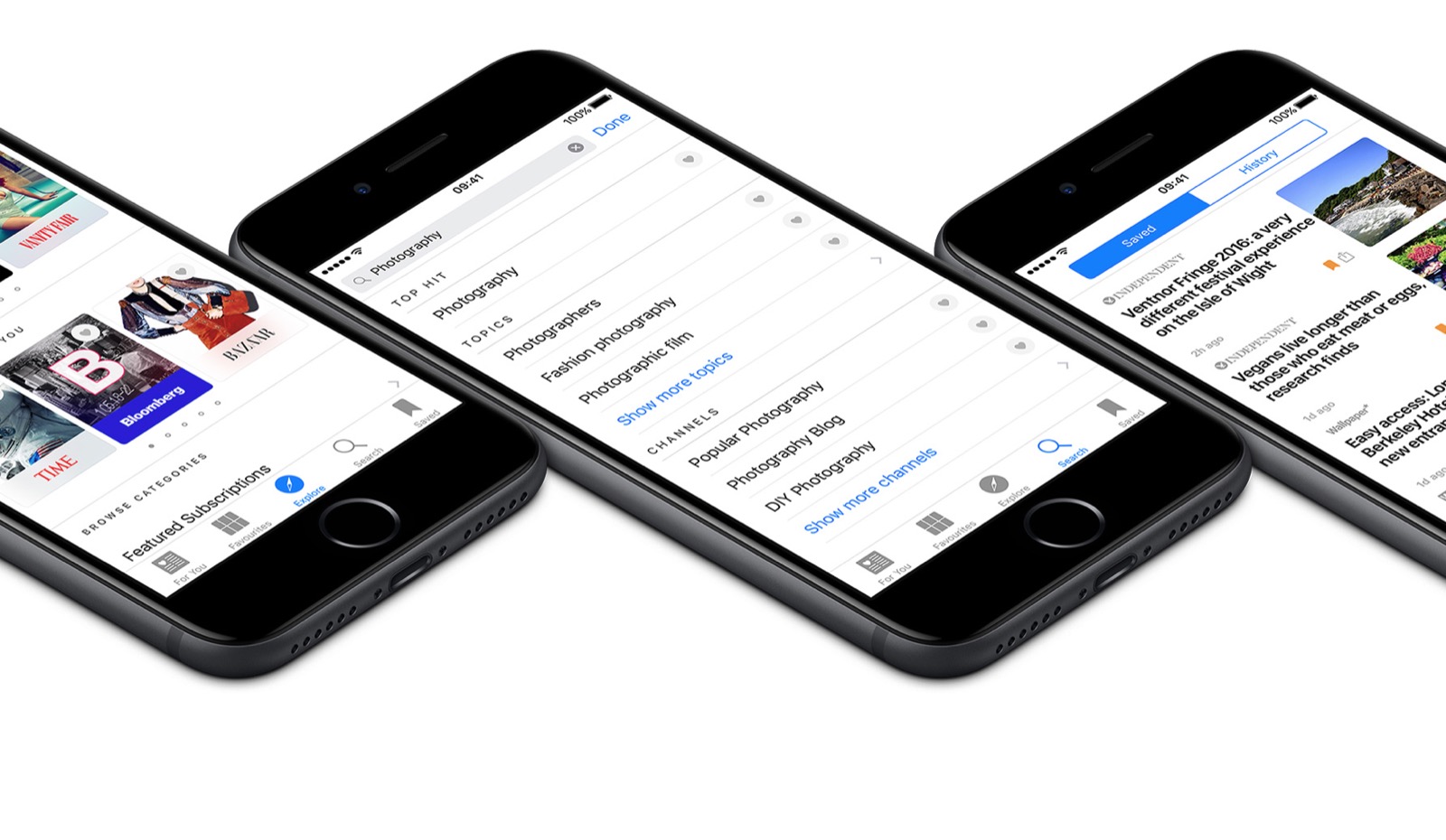
Tweetdeck for iPhoneThe iPhone app? Well, it's very iPhone. The ability to swap column works in either same way as different browser windows in mobile Safari, or in the "slide" method you use to switch between pages of apps. In some way, this makes it more easy to switch between different accounts than Tweetie (my preferred app choice up until now) does. In fact, I'd go as far as to say that this is the most iPhone-ish of the Twitter apps right now, using concepts you're familiar with from the rest of the user interface and applying them to Twitter. I actually find it more intuitive to use than the desktop version.

And the "shake to refresh" feature is a nice, if a bit gimmicky, touch. I'm gonna be getting some strange looks on the bus...

No TrackBacks

TrackBack URL: http://www.onemanandhisblog.com/cgi-bin/mt/mt-tb.cgi/5686

1 Comment

Just trying out the new desktop version and I like it - but it's what you can do with it, not what it does, that's the ultimate interest. I liked Clay Shirky's comment: 'These tools don't get socially interesting until they get technologically boring.' (Compare and contrast with Digital Britain - see http://livingwithrats.blogspot.com/2009/06/how-social-media-is-making-history.html )

Leave a comment

What a user pic? Get a Gravatar!

About this Entry

This page contains a single entry by Adam Tinworth published on June 17, 2009 10:20 AM.

Flight Bloggers Use Video For Show Round-Up was the previous entry in this blog.

Iran, Twitter & Media Supply/Demand is the next entry in this blog.

Find recent content on the main index or look in the archives to find all content.

Subscribe to OM&HB

Subscribe via e-mail:

Social Networks

One Man's Activity

See More

Advert

Archives